Skip to content
LaunchKitSearch
ProductsBusiness typesGuidesCartFind my business
Cart
Home›Products›Client Tracker›Electrician
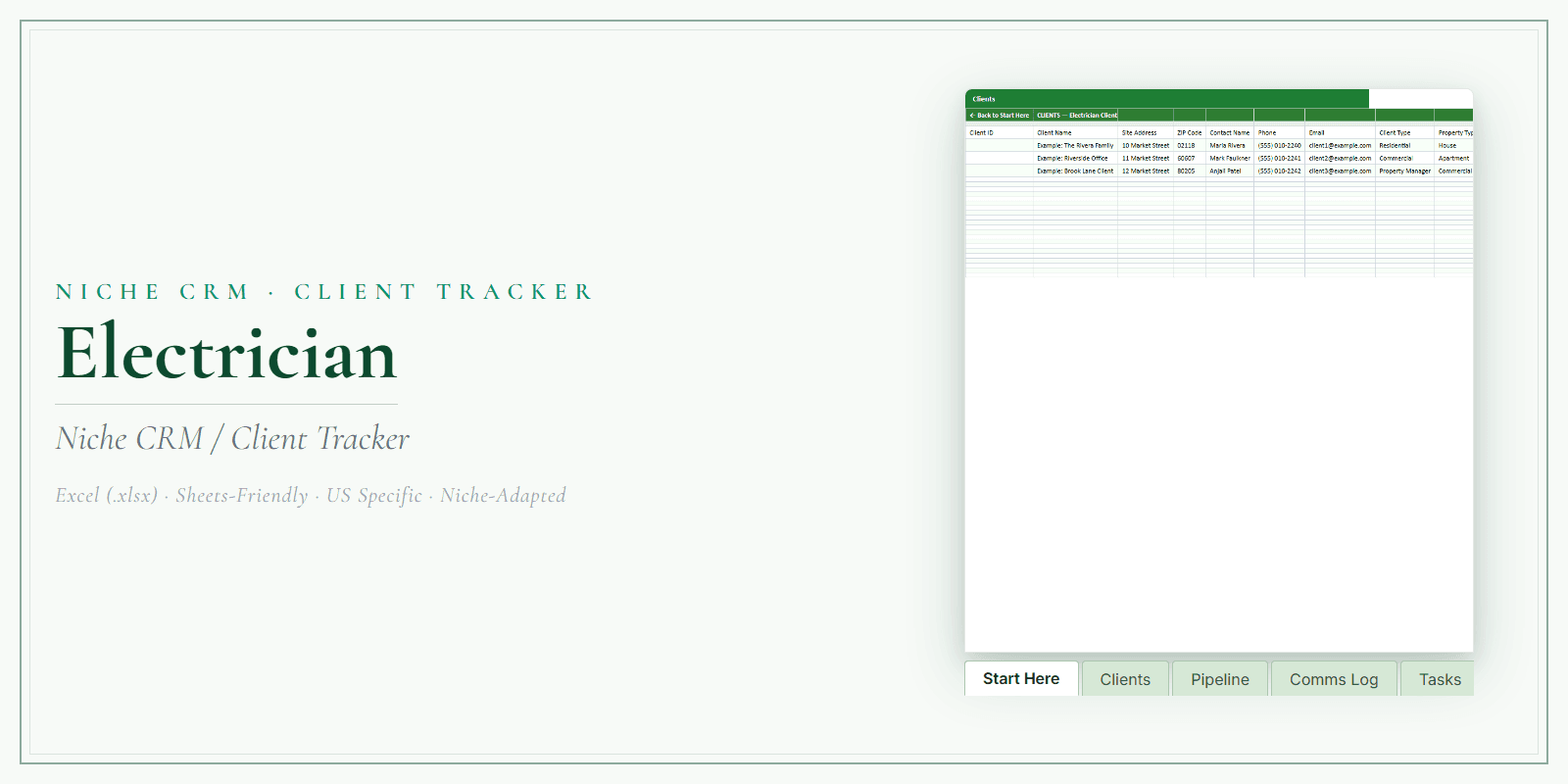
Electrician Client Tracker product preview

Electrician

Electrician Client Tracker

Keep client details, bookings, follow-ups, and revenue together. Use one editable spreadsheet instead of scattered notes.

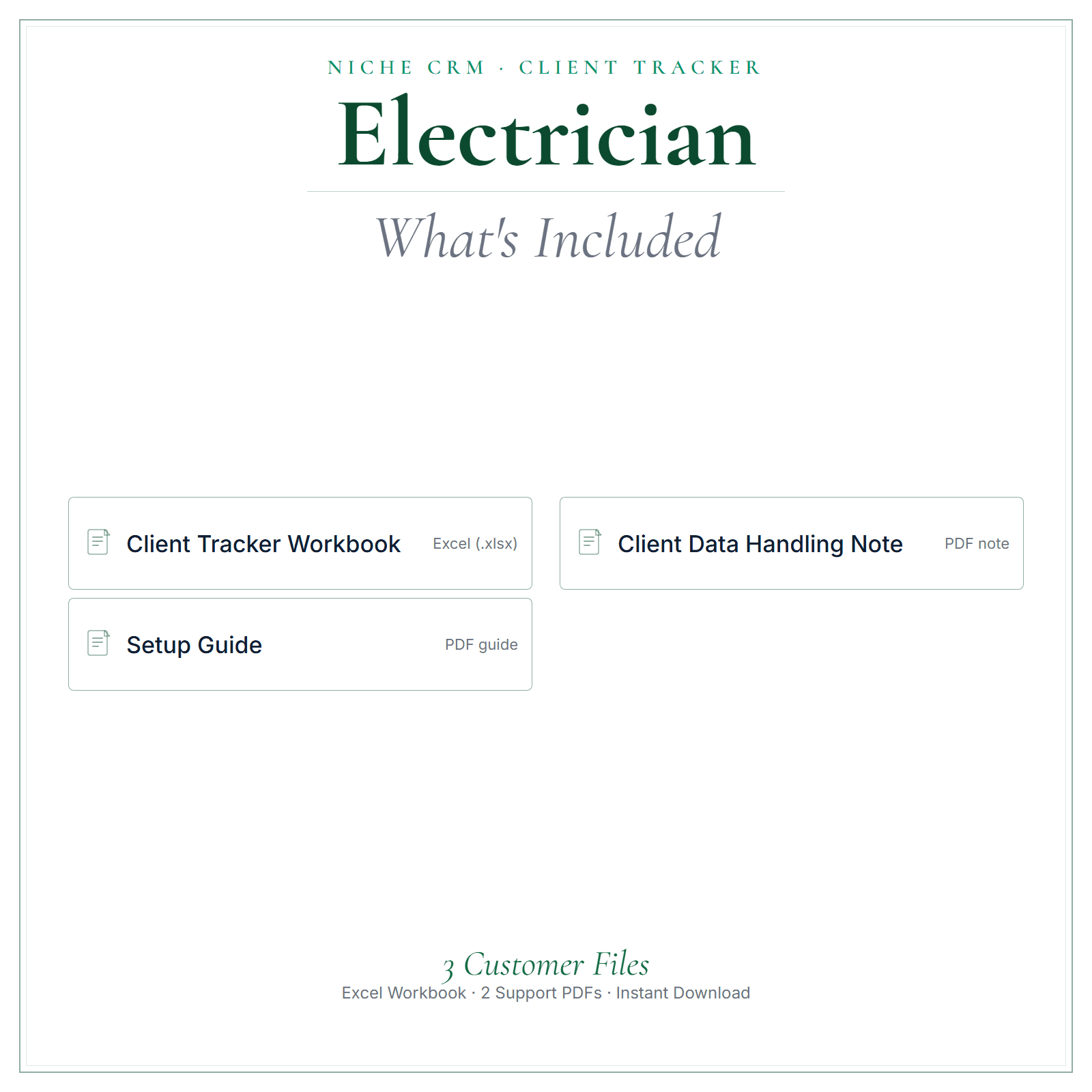
One editable Excel workbook (.xlsx)a Setup Guide PDFa Client Data Handling note PDF (US Letter)

$12.99One-time purchase · USD

Straight to secure checkout · download links emailed after paymentBuy more than one product together
See inside ↓

Review and adapt the files for your business. Not legal, tax, or accounting advice.

  • How the files arrive. After payment, a confirmation email containing your download links is sent to the email address you give at checkout.
  • Faulty or not as described? Contact us within 14 days of purchase. Where a file is confirmed defective, we provide a corrected replacement file.
Read the refund policy →

Questions before you buy? Contact us

How LaunchKit products are built

Real-world example

See a real-world example of how the tracker works

A silent walkthrough of the Excel tracker: add a client, log a job, read the KPIs.

Your browser cannot play this video.

Made for the work

Built around electricians.

On an electrical job, the useful facts are often inside the walls or the panel: its brand and age, which circuits you added, whether a permit was pulled and when the inspection passed. Write them down once and the next call to that address starts better informed. The Client Tracker holds customer details, job and visit history, follow-ups and a quick read on your recent activity in one editable Excel workbook.

Keep client details, bookings, follow-ups, and revenue together.

Use one editable spreadsheet instead of scattered notes.

An electrical customer who called about an outlet this year may want a panel upgrade next year. Keep each customer's contact details and notes in the client records, log every install, upgrade and service call in their job history, and use the follow-up log for quotes that are still waiting on an answer.

Free guide: Electrician Service Call Paperwork: Booking to Invoice

Is this for you?

Made for electricians handling installs, upgrades, and service calls.

Choose it if you want their client list, job history, and follow-ups in one place they actually keep up to date.

Electrician in practice

How electricians can use it.

  • ✓Panel work: note the panel brand, the breakers you added or replaced and how the circuits are labeled, so a later call to the same house does not begin with tracing.
  • ✓EV charger and generator inquiries: record the customer's question, the date you visited and anything waiting on the utility or an inspection, then track it in the follow-up log.
  • ✓Builders and general contractors: keep one record per company, list each job site in the notes, and log rough-in and finish visits against that customer.
  • ✓Smoke and carbon monoxide detector replacements: log the date you swapped them, so you have an answer when the customer later asks when they were last changed.
Start with these

The parts electricians reach for first.

  • Job and visit historyLog every outlet install, ceiling fan, panel upgrade and service call with its date, any permit or inspection reference and who on the crew did the work.
  • Follow-up logKeep a list of customers to contact, such as a homeowner deciding between a panel upgrade and a subpanel, or a job waiting on an inspection date.
  • Setup Guide PDFRead it before you enter your first customers, so the workbook is set up the way you plan to use it, whether you work alone or run a small crew.

In the pack

What’s included.

  • ✓An editable Excel client tracker workbook (.xlsx)
  • ✓Client records — keep contact details and notes in one organized place
  • ✓Job and visit history so you can see every client's story at a glance
  • ✓A follow-up log so nobody slips through the cracks
  • ✓A dashboard view for a quick read on your activity
  • ✓A Setup Guide (PDF) and a practical Client Data Handling note
What's included in Electrician Client Tracker

A stronger routine

How it helps your business.

  • ✓Keep client details, bookings, and follow-ups together
  • ✓Use the workbook to look back at client history
  • ✓Track revenue in the same spreadsheet
  • ✓Update the fields and categories to suit your workflow
  • ✓Use the included data-handling note as a starting point and check applicable privacy requirements

From file to workflow

How it works.

  1. 1Download links are emailed after payment, then open the workbook in Excel
  2. 2Add your clients and jobs
  3. 3Log follow-ups and check your dashboard as you go

Exact file types

One editable Excel workbook (.xlsx) + a Setup Guide PDF + a Client Data Handling note PDF (US Letter). Edits best in Microsoft Excel.

See inside

See the files before you decide.

Preview the structure, formatting, and presentation of the product. The exact included files are listed above.

Any business or customer names, dates, and amounts in these pictures are examples.

  • A closer look
  • What’s included
  • At a glance
Select a picture to see it larger.

Before you choose

Good to know.

Download links are emailed after payment. It's a spreadsheet you own and control; you decide how you collect and store client data. This is a template/reference product, not legal, tax, accounting, or state-specific advice — review and adapt it for your business before use.

Questions electricians ask

Using the Electrician Client Tracker.

Where should I record permit and inspection details?

Log them with the job they belong to: the permit or reference number, the inspection date and the result, in the notes for that job. Whether a job needs a permit is a question for your local building department, but once one is pulled, keeping the details with the job makes them easy to find when the customer or a later buyer's inspector asks.

Can two electricians on my crew share the tracker?

It is one Excel file, so the simplest approach is to keep it in one location and agree who updates it. One person entering the day's jobs from the crew's notes stops two versions drifting apart. Add a column for the electrician who did each job if you want to see that in the job and visit history.

Can I add commercial customers too?

Yes. Add the business as the client, with the facility contact's details and site notes such as panel locations and after-hours access, then log each service call and install in the job and visit history. If you serve both homes and businesses, a column marking each record as residential or commercial makes the list easier to sort.

Common questions

Before you buy.

How do I get the files after I pay?

After payment, a confirmation email containing your download links is sent to the email address you give at checkout. Nothing is shipped.

Which file types are included?

One editable Excel workbook (.xlsx) + a Setup Guide PDF + a Client Data Handling note PDF (US Letter). Edits best in Microsoft Excel.

Is this a one-time purchase?

Yes. $12.99 is a one-time purchase, paid in US dollars.

Can I get a refund?

Digital sales are final once the download has started. If a file is faulty or materially different from what this page describes, contact us within 14 days of purchase. Where a file is confirmed defective, we provide a corrected replacement file.

Is this legal, tax, or accounting advice?

No. Review and adapt the files for your business, and get qualified advice where you need it.

Complete your toolkit

Other tools for electricians.

See all Electrician products and tools →

Pricing CalculatorElectrician Pricing Calculator$14.99 one-timeAn editable Excel calculator to work from your costs and build clearer quotes.
View product →Buy more than one product together
AI Copy KitElectrician AI Copy Kit$14.99 one-timeReady-to-edit marketing copy and AI prompts for posts, emails, replies, and follow-ups.
View product →Buy more than one product together
Startup GuideElectrician Startup Guide$7.99 one-timeA practical PDF guide to help plan setup, pricing, and your first customers.
View product →Buy more than one product together
Price List & Service MenuElectrician Price List & Service Menu$4.99 one-timeAn editable price list and service menu for presenting your services and prices clearly.
View product →Buy more than one product together

Add all 4 above with this product for one checkout: $55.95 in total. Download links are emailed after payment.

Keep exploring

More for electricians.

Other Electrician products

  • Electrician Business Documents — Premium
  • Electrician Pricing Calculator
  • Electrician AI Copy Kit
  • Electrician Startup Guide
  • Electrician Price List & Service Menu
  • All Electrician products and guides

Client Tracker for other businesses

  • Cleaning Company Client Tracker
  • Plumber Client Tracker
  • Hair Salon Client Tracker
  • Beauty Salon Client Tracker

Free reading

Guides for electricians.

Free reading on the same subject, written for US small businesses. Every guide is general information, not legal, tax, or accounting advice.

MarketingMarketing for Electricians: Where to Advertise and What WorksFor most small electrical shops, the best leads come from repeat customers who send you work: general contractors, remodelers, property managers, and homeowners who liked your last job. Build those…PricingHow to Bid Electrical Jobs: A Step-by-Step EstimateA good electrical bid is five numbers added up: labor hours × your hourly rate, materials plus markup, permit and inspection fees, a contingency, and profit. Get the hours from your own past jobs,…PaperworkElectrician Insurance: What You Need and What It CostsInsureon's median premiums for electricians who buy through it are $61 a month for general liability ($732 a year) and $275 a month for commercial auto ($3,304 a year), updated July 28, 2026. Most…PricingHow Much Should an Electrician Charge per Hour?Homeowners typically pay $50 to $100 an hour for a qualified electrician, with the first hour often around $150 because it covers the trip, according to Angi's 2026 cost guide. Master electricians…PaperworkElectrician Service Call Paperwork: Booking to InvoiceKeep one job reference from the first call through the final invoice. Record the reported problem, explain diagnostic charges, document the authorized scope, agree changes before extra work, and make…

More guides on this subject

  • Small-Business Recordkeeping Checklist: What to Capture Each Week
Read all US small-business guides →

Download your client tracker today and get every client into one clean system.

Straight to secure checkout · download links emailed after paymentBuy more than one product together

LaunchKit

Practical digital products made around the needs of US small businesses.

Explore

All productsBusiness typesSmall-business guidesWhat should I charge?Free toolsFind my business

Products

Business DocumentsPricing CalculatorAI Copy KitStartup GuidePrice List & Service MenuClient Tracker

Company

AboutHow it is builtContact usLegal & policies

Legal

Terms of ServicePrivacy PolicyRefund PolicyShipping & delivery

LaunchKit — operated by Kevin from the United Kingdom. office@yourlaunchkit.net

© 2026 LaunchKit