Skip to content
LaunchKitSearch
ProductsBusiness typesGuidesCartFind my business
Cart
Home›Products›Business Documents›Premium
Cleaning Company Business Documents — Premium product preview

Cleaning Company

Cleaning Company Business Documents — Premium

Keep six core business forms ready to fill, edit, save, and reuse.

21 files · two downloadsInteractive fillable PDFsEditable Word filesFill-online browser forms

$19.99One-time purchase · USD

Recommended for fill-on-screen PDF workflows

Straight to secure checkout · download links emailed after paymentOr get all four products in one pack: Cleaning Company Business Starter Stack, $35.00 →Buy more than one product together

Recommended for fill-on-screen PDF workflows

See inside ↓

Review and adapt the files for your business. Not legal, tax, or accounting advice.

  • How the files arrive. After payment, a confirmation email containing your download links is sent to the email address you give at checkout.
  • Faulty or not as described? Contact us within 14 days of purchase. Where a file is confirmed defective, we provide a corrected replacement file.
Read the refund policy →

Questions before you buy? Contact us

How LaunchKit products are built

Real-world example

See a real-world example of how the documents work

A silent walkthrough of the Client Registration form, filled in on screen.

Your browser cannot play this video.

Made for the work

Paperwork built around cleaning businesses.

Cleaning work gets handed around. The crew that walks into a home on Thursday may not be the one that did the first walkthrough, a recurring client adds a request by text, and a move-out job has a property manager waiting on the result. These six forms give the office and each crew one written version of the job, on paper, in fillable PDFs, or in a browser on a work tablet.

Keep six core business forms ready to fill, edit, save, and reuse.

Premium gives you the 15-file document pack — six interactive fillable PDFs, six editable Word files, and three setup guides — plus a second download with six fill-online forms you complete right in your browser: 21 files across two downloads.

No software needed, the browser forms work offline, and your answers stay on your device. Save as PDF or print on US Letter whenever you need a copy.

Cleaning crews work from what a client told you once: how to get in, what not to move, which rooms come first. Capture that on Client Registration, use the Daily Operations Checklist to set up each day's route, and record every standard cleaning, deep cleaning or move-out cleaning in the Service Log. Crews can type into the interactive PDFs or the browser forms, which keep answers on your own device, and the Word files take your company name and logo.

Free guide: How to Start a Cleaning Business: 9 Steps, From License to First Client
Is this for you?

Made for residential and commercial cleaning businesses — from solo cleaners to house-cleaning and office-cleaning teams.

Choose Premium if you want interactive PDFs you can complete field by field on screen, editable Word masters and format-specific setup guides, plus six customizable fill-online forms in a second download.

Cleaning Company in practice

How cleaning businesses can use it.

  • ✓Writing up a walkthrough for a new recurring client: rooms included, add-ons such as inside the oven or fridge, pets at home, and how often they want visits.
  • ✓Recording something a crew noticed during a clean, such as a dripping faucet or a cracked tile, so the office can tell the client before they find it.
  • ✓Briefing a new cleaner on a home before their first shift there: parking, the products the client prefers, and the rooms that take longest.
  • ✓Checking a move-out clean against what the property manager asked for, and noting extras like inside cabinets or baseboards before you bill.

Start with these

The parts cleaning businesses reach for first.

  • Customer InquiryFor quote requests by phone or website: the size of the home, the type of clean, any pets, the date they want, and how they would like the quote sent.
  • Internal Staff NotesLets the office brief a crew about one home, such as a new pet, a room to skip this week, or a product the client asked you to stop using.
  • Invoice ChecklistBefore billing, check the base clean, the add-ons the crew did, any supplies charged separately, and your own policy on late cancellations or lockouts.

In the pack

What’s inside Premium.

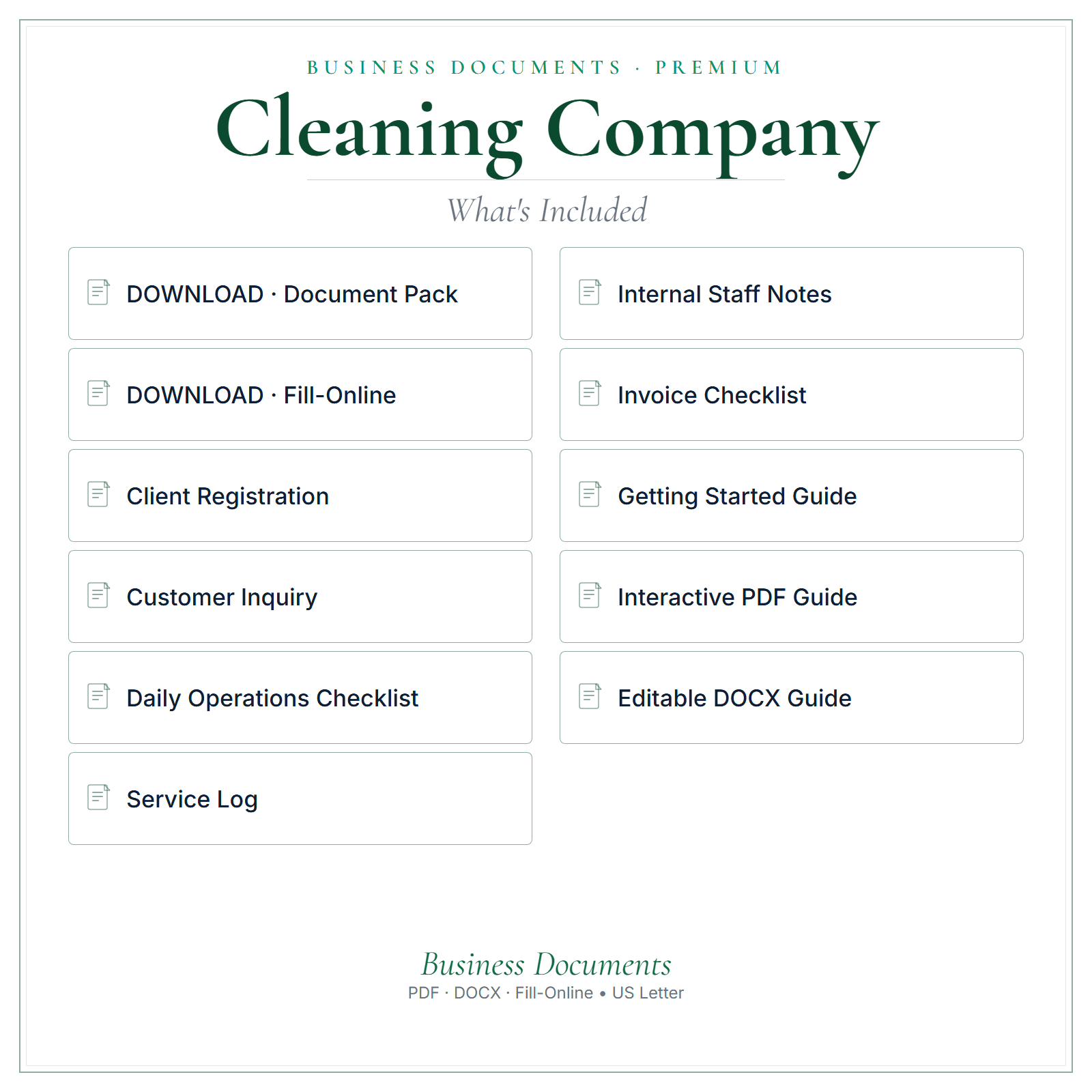
  • ✓Six core business forms: Client Registration, Daily Operations Checklist, Service Log, Customer Inquiry, Internal Staff Notes, Invoice Checklist
  • ✓6 interactive fill-on-screen PDFs — type directly into the fields, save, and print
  • ✓6 fully editable Word (DOCX) versions — change wording, add your logo, make them yours
  • ✓Two format-specific PDF usage guides — one for the interactive PDFs, one for the Word files
  • ✓One getting-started PDF with setup guidance
  • ✓Six fill-online forms in a second download — open them in any browser, type on screen, and save as PDF
  • ✓No software needed: the browser forms work offline and your answers stay on your device
  • ✓21 files across two downloads
What's included in Cleaning Company Business Documents — Premium

A stronger routine

Why choose Premium.

  • ✓Type into the interactive PDFs, then save a completed copy
  • ✓Edit wording, add your logo, and adjust the Word files to suit your business
  • ✓Fill in the six browser forms on screen, then save as PDF or print on US Letter
  • ✓Work offline with no software to install, and keep your answers on your own device
  • ✓Keep a clean master set ready for repeat use
  • ✓Use the PDF usage guides and getting-started PDF when you set the files up

From file to workflow

How it works.

  1. 1Download links are emailed after payment
  2. 2Open the interactive PDFs to type on screen, or the Word files to fully edit
  3. 3Save your version, add your business name, and use it in your business

Exact file types

21 files across two downloads: 6 interactive fillable PDFs, 6 editable Word (DOCX) files, 3 setup guides, and 6 fill-online HTML forms you complete in your browser. Word files edit best in Microsoft Word. The browser forms need no software, work offline, and keep your answers on your device.

See inside

See the files before you decide.

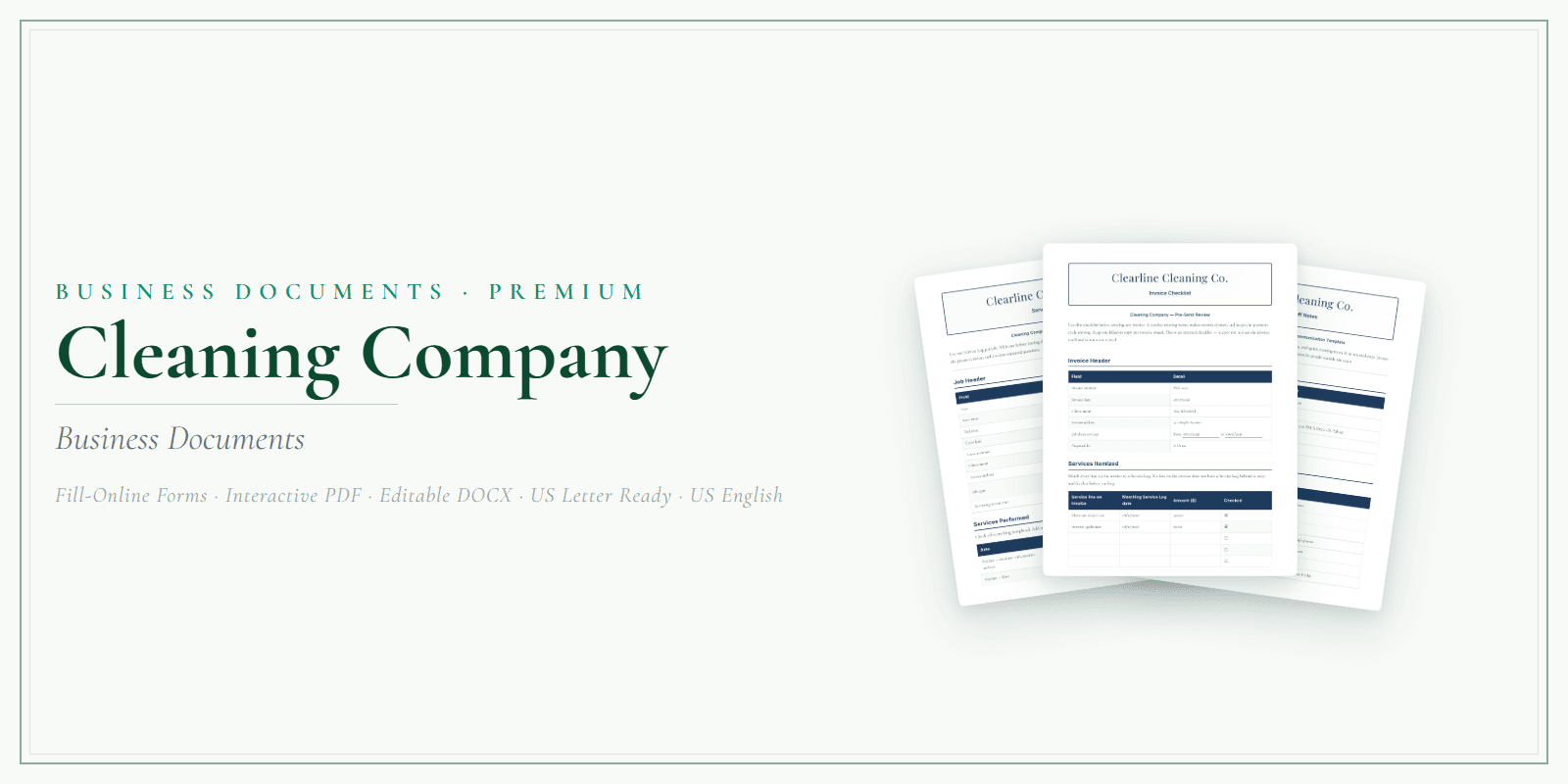
Preview the structure, formatting, and presentation of the product. The exact included files are listed above.

Any business or customer names, dates, and amounts in these pictures are examples.

  • A closer look
  • What’s included
  • At a glance
Select a picture to see it larger.

Before you choose

Good to know.

Download links are emailed after payment. The interactive PDFs let you type and save; the Word files let you fully rebrand. This is a template/reference product, not legal, tax, accounting, or state-specific advice — review and adapt it for your business before use. About the browser forms: each form saves its own answers and business details in your browser, so you'll need to enter your business details in each form. Answers you haven't changed for 60 days are deleted the next time you open the form. Prepare client copy and Prepare clean team copy clear the answers saved in that form.

Questions cleaning businesses ask

Using the Cleaning Company Business Documents — Premium.

What should a crew record when something breaks during a clean?

Write it in the Service Log the same day: what broke, where, what the crew was doing and the time. Note whether a photo was taken and who told the client. The office then has a clear record before the call, and you can ask your insurance agent what details they want if you make a claim.

Can a crew lead clear yesterday's checklist each morning?

Yes. Save the finished Daily Operations Checklist as a PDF for the office, then press Prepare clean team copy, which empties that form's saved answers so the day starts blank. Business details are kept per form, so each form needs them typed in. The browser forms open with nothing to install and work without a signal, which suits a crew parked outside a client's home.

How do I note which clients are weekly, every other week or monthly?

Put the visit frequency on Client Registration when the client signs up, and repeat it in each Service Log entry so a crew lead can see when a deep clean falls between routine visits. If a client changes frequency, write the date of the change. The Word file lets you add a dedicated line for it if you want one.

What should I record before a move-out clean?

Record who booked it, whether a tenant, landlord or property manager, who receives the bill, the move-out date and when keys are handed back. Note the rooms and extras included and anything already damaged when the crew arrived. That record helps if questions come up after the tenant has gone.

Common questions

Before you buy.

How do I get the files after I pay?

After payment, a confirmation email containing your download links is sent to the email address you give at checkout. Nothing is shipped.

Which file types are included?

21 files across two downloads: 6 interactive fillable PDFs, 6 editable Word (DOCX) files, 3 setup guides, and 6 fill-online HTML forms you complete in your browser. Word files edit best in Microsoft Word. The browser forms need no software, work offline, and keep your answers on your device.

Is this a one-time purchase?

Yes. $19.99 is a one-time purchase, paid in US dollars.

Can I get a refund?

Digital sales are final once the download has started. If a file is faulty or materially different from what this page describes, contact us within 14 days of purchase. Where a file is confirmed defective, we provide a corrected replacement file.

Is this legal, tax, or accounting advice?

No. Review and adapt the files for your business, and get qualified advice where you need it.

Complete your toolkit

Other tools for cleaning businesses.

Four products in one pack

Cleaning Company Business Starter Stack

$35.00 one-time · USD

4 products for cleaning businesses: Business Documents Premium, Pricing Calculator, Startup Guide, Price List & Service Menu — $47.96 bought separately.

View the Cleaning Company pack →

See all Cleaning Company products and tools →

Pricing CalculatorCleaning Company Pricing Calculator$14.99 one-timeAn editable Excel calculator to work from your costs and build clearer quotes.
View product →Buy more than one product together
AI Copy KitCleaning Company AI Copy Kit$14.99 one-timeReady-to-edit marketing copy and AI prompts for posts, emails, replies, and follow-ups.
View product →Buy more than one product together
Startup GuideCleaning Company Startup Guide$7.99 one-timeA practical PDF guide to help plan setup, pricing, and your first customers.
View product →Buy more than one product together
Price List & Service MenuCleaning Company Price List & Service Menu$4.99 one-timeAn editable price list and service menu for presenting your services and prices clearly.
View product →Buy more than one product together

Only need one or two? Add any of these on its own.

Keep exploring

More for cleaning businesses.

Other Cleaning Company products

  • Cleaning Company Pricing Calculator
  • Cleaning Company AI Copy Kit
  • Cleaning Company Startup Guide
  • Cleaning Company Price List & Service Menu
  • Cleaning Company Client Tracker
  • Cleaning Company Business Starter Stack
  • All Cleaning Company products and guides

Business Documents for other businesses

  • Pressure Washing Business Documents — Premium
  • Window Cleaning Business Documents — Premium
  • Junk Removal Business Documents — Premium
  • Pool Service Business Documents — Premium

Free reading

Guides for cleaning businesses.

Free reading on the same subject, written for US small businesses. Every guide is general information, not legal, tax, or accounting advice.

PricingQuote Cleaning Jobs by Labor HoursPrice cleaning jobs from labor hours and real costs, then turn that into a flat quote. Use square footage only as a sketch. Separate first or deep cleans from recurring work, and list extras as…StartingHow to Start a Cleaning Business: 9 Steps, From License to First ClientPick residential or commercial cleaning, choose a structure, register your name and get a free EIN from the IRS. Check state, county and city license rules, then buy insurance. Price from your time:…PricingHow Much to Charge for House Cleaning: 2026 Rates by Hour, Room and Square FootAngi's 2026 guide says cleaners charge $25 to $50 per cleaner per hour, and the average clean costs $176 (most pay $118 to $238). It puts a standard clean at $0.10 to $0.20 per square foot. Thumbtack…

More guides on this subject

  • How to Start a Small Business in the US: A Practical Checklist
  • EIN for a Small Business: When You Need One and What to Prepare
  • Small-Business Recordkeeping Checklist: What to Capture Each Week
  • Business Licenses and Permits in the US: A Search Order That Works
Read all US small-business guides →

Get the full editable bundle today and make these forms your own.

Straight to secure checkout · download links emailed after paymentOr get all four products in one pack: Cleaning Company Business Starter Stack, $35.00 →Buy more than one product together

LaunchKit

Practical digital products made around the needs of US small businesses.

Explore

All productsBusiness typesSmall-business guidesWhat should I charge?Free toolsFind my business

Products

Business DocumentsPricing CalculatorAI Copy KitStartup GuidePrice List & Service MenuClient Tracker

Company

AboutHow it is builtContact usLegal & policies

Legal

Terms of ServicePrivacy PolicyRefund PolicyShipping & delivery

LaunchKit — operated by Kevin from the United Kingdom. office@yourlaunchkit.net

© 2026 LaunchKit