A stronger routine
How it helps your business.
- Build prices from the costs you enter
- Keep quotes, jobs, and expenses in one workbook
- Adjust the calculator as your costs change
Real-world example
A silent walkthrough of the Excel calculator: set your rate, build a quote, see the finished quotation.
Free tool
A generic USA starting point for one job, not a quote. Your numbers stay on this page — nothing is saved.
Planning support only. Review and adapt for your business. Not legal, tax, or accounting advice.
Enter a valid, non-negative number in every field.
This is a starting point for one job. The Pricing Calculator applies this to its preloaded service list, builds quotes and tracks jobs. See price and buy options
Made for the work
Take the guesswork out of pricing.
Add your real costs and build quotes from them.
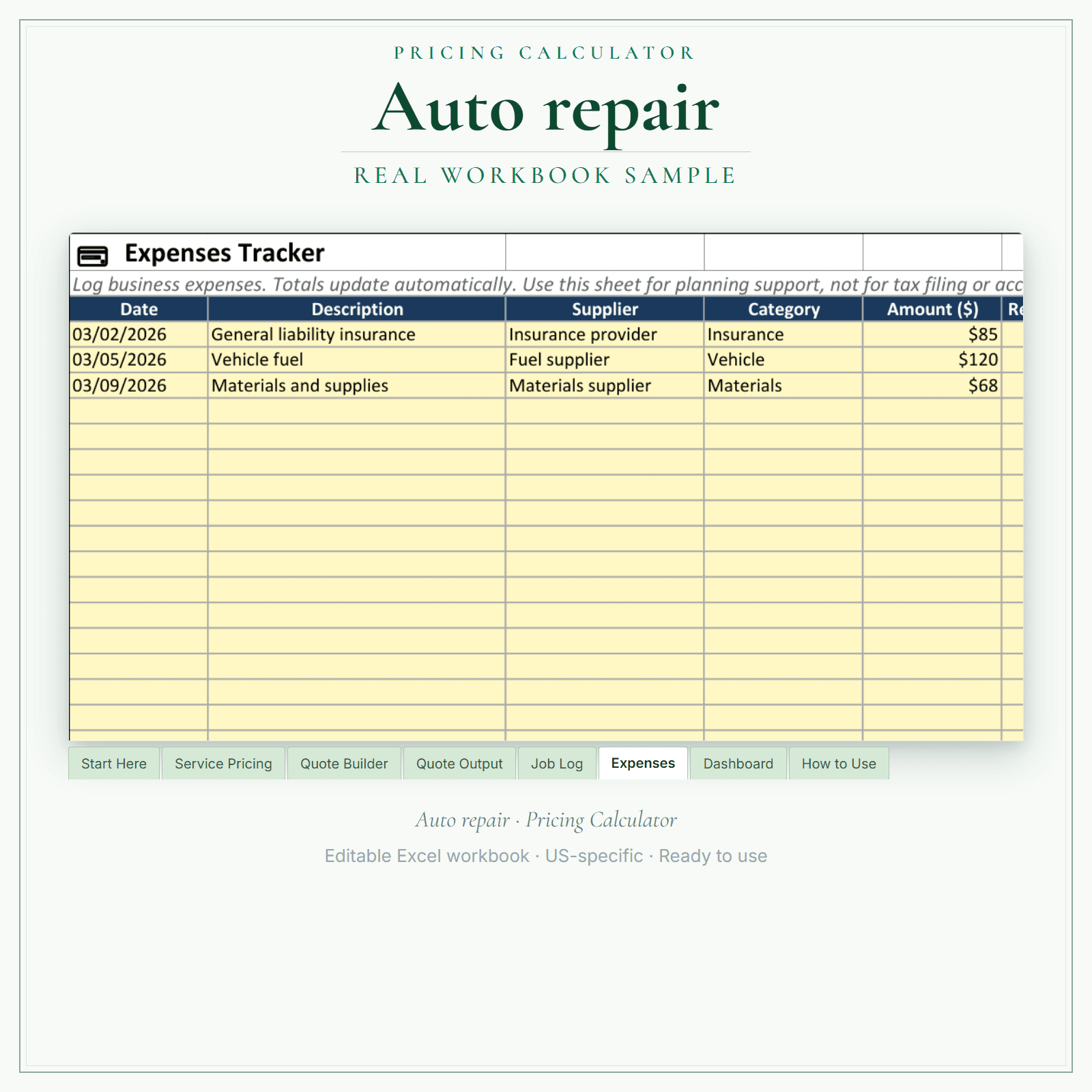
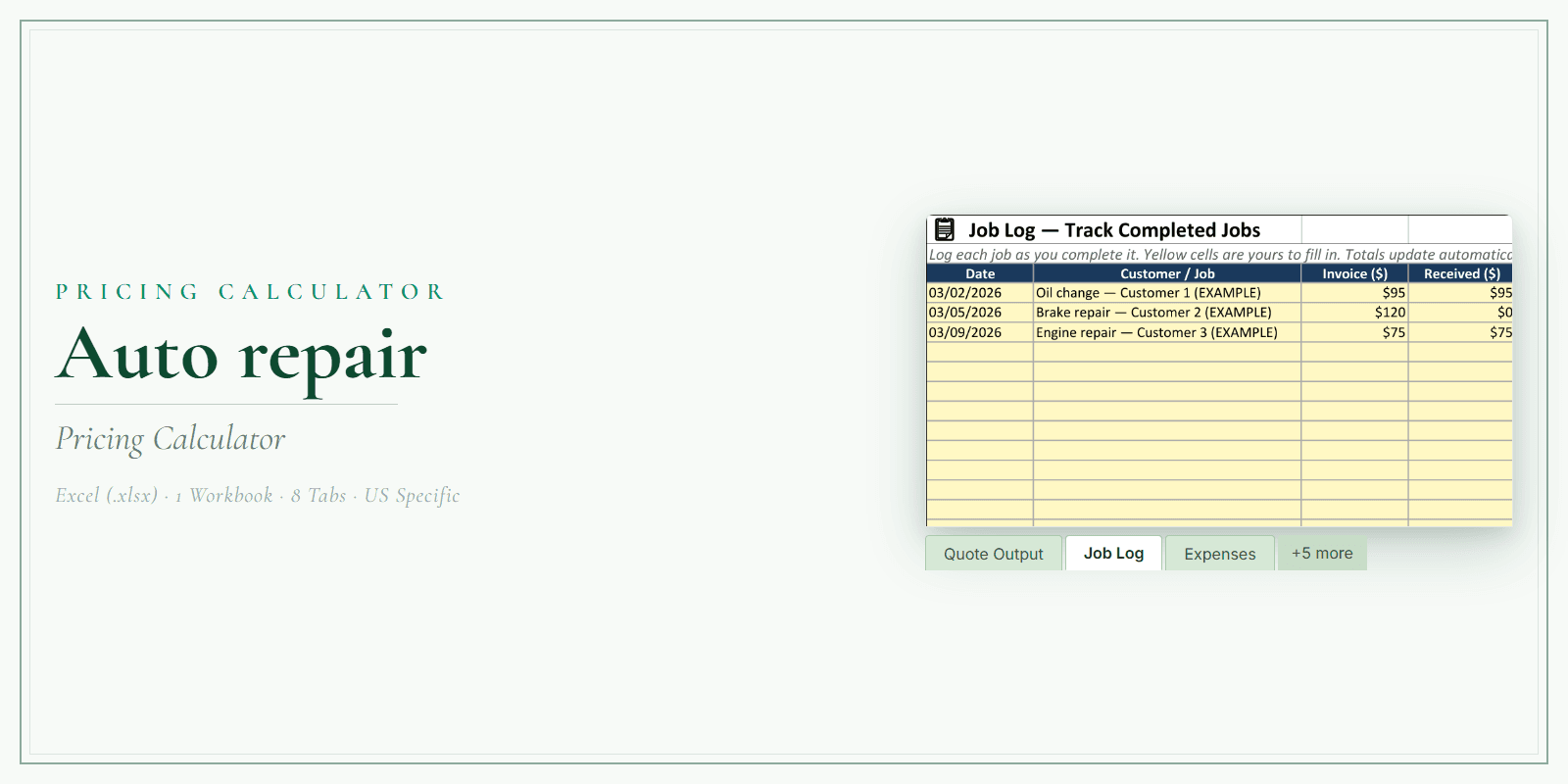
A shop's labor rate only works if every repair order counts the hours behind it and the parts going in. Set your hourly rate and the labor time and parts for each job on the Service Pricing tab, then estimate an oil change, a brake repair or an engine diagnostic and repair in the Quote Builder. Quote Output gives the customer an estimate to approve before work starts, the Job Log records each car you quoted and fixed, and the Expenses tracker keeps parts spending in view.
Is this for you?
Made for auto repair shops handling maintenance, diagnostics, and mechanical repair.
Choose it if you want a simple, structured way to price jobs and track the numbers without building a spreadsheet from scratch.
In the pack
A stronger routine
From file to workflow
Exact file types
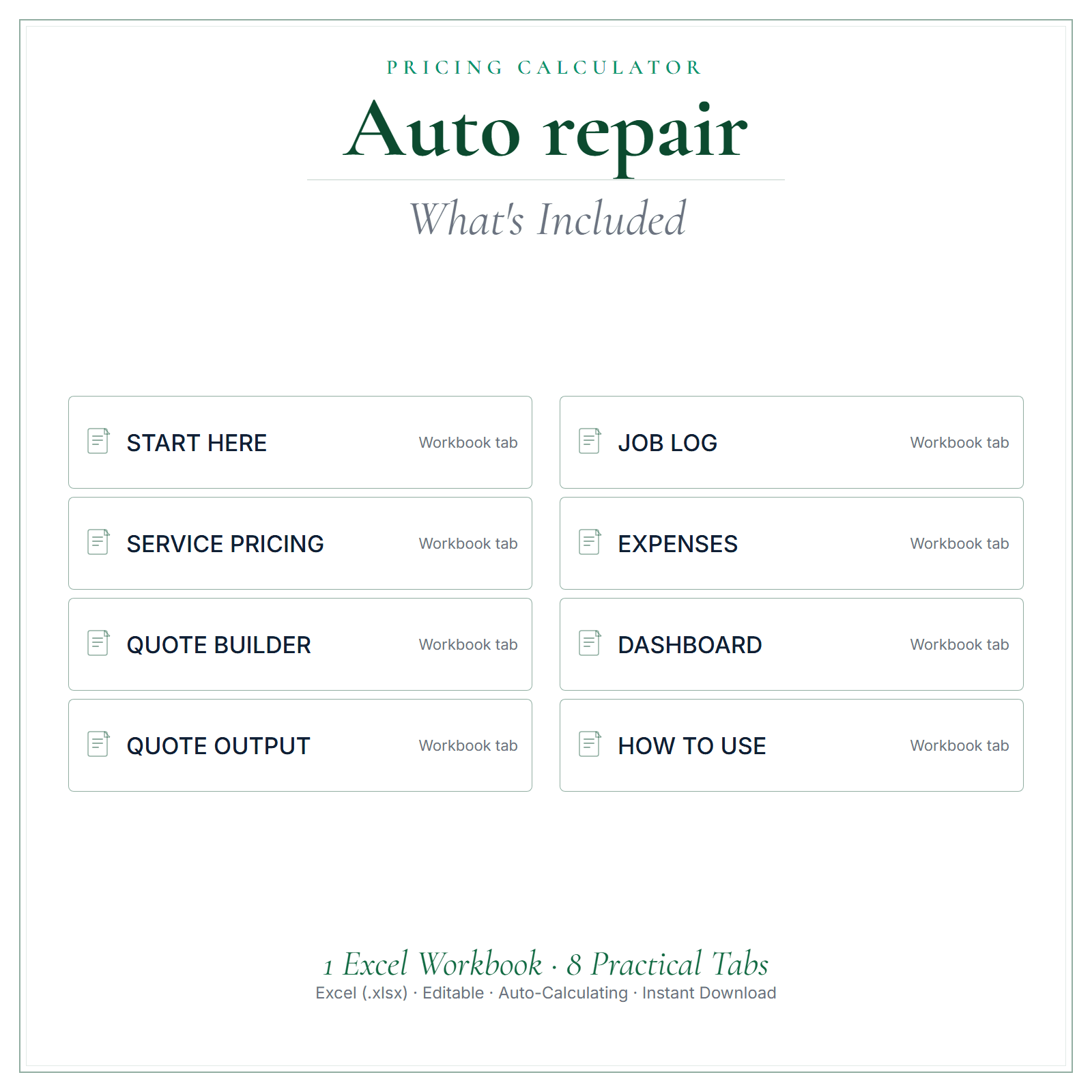
One Excel workbook (.xlsx) with 8 tabs. Your inputs live on SERVICE PRICING, QUOTE BUILDER, JOB LOG, and EXPENSES; the calculated cells are protected so the formulas can't be overwritten by accident. Edits best in Microsoft Excel.Product preview
Preview the structure, formatting, and presentation of the product. The exact included files are listed above.
Before you choose
Instant digital download — the workbook is ready the moment you buy. It's a planning and quoting tool you control; your numbers stay yours. This is a template/reference product, not legal, tax, accounting, or state-specific advice — review and adapt it for your business before use.
Common questions
After payment, a confirmation email containing your download links is sent to the email address you give at checkout. Nothing is shipped.
One Excel workbook (.xlsx) with 8 tabs. Your inputs live on SERVICE PRICING, QUOTE BUILDER, JOB LOG, and EXPENSES; the calculated cells are protected so the formulas can't be overwritten by accident. Edits best in Microsoft Excel.
Yes. $14.99 is a one-time purchase, paid in US dollars.
Sales are final once the download has started. If a file is faulty or materially different from what this page describes, contact us within 14 days of purchase. Where a file is confirmed defective, we provide a corrected replacement file.
No. Review and adapt the files for your business, and get qualified advice where you need it.
Free reading
Free reading on the same subject, written for US small businesses. Every guide is general information, not legal, tax, or accounting advice.
Read all US small-business guides →Download it today and quote your next job from real numbers.